The following are 2 scripts that I have written to allow a user using a first person camera in Unity to interact with “intractable” objects. Right now, the code doesn’t do much, it’s really just a template. If attached to an object with a rigidBody component, the interact script will simply turn the object red when it is within interacting range (in this case, 1 meter) and on the pressing of ‘e’ it will make the object jump.
Essentially, this is just a skeleton for object interaction. Attatching the Select script to the first person camera object and the interact script to an object, such as a door, would enable a user to input an “opening” and “closing” animation to the door when the key ‘e’ is pressed.
While the object is out of range
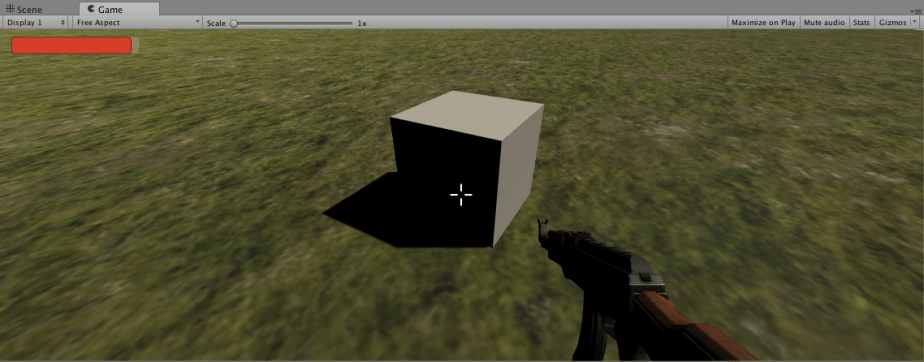
While the object is in range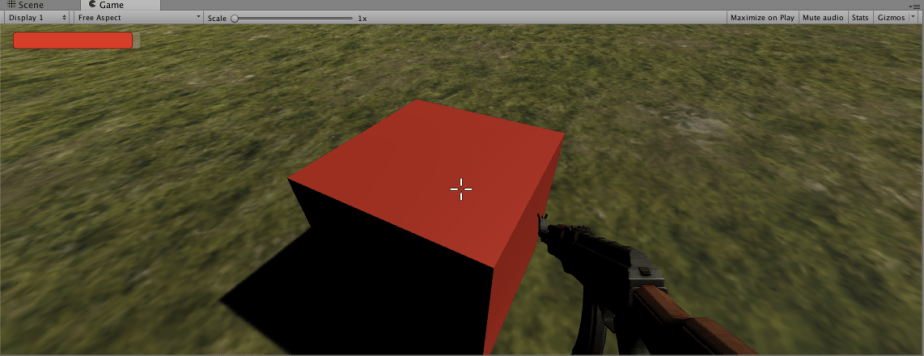
This object’s specific interaction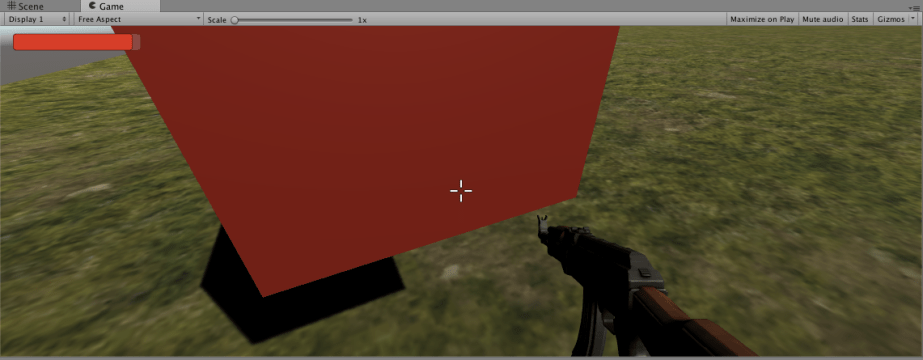
using UnityEngine;
using System.Collections;

public class Select : MonoBehaviour {
	public RaycastHit hit;

	// Use this for initialization
	void Start () {

	}

	// Update is called once per frame
	void Update () {

		//create a ray from the center of the screen
		Ray ray = Camera.main.ScreenPointToRay(new Vector3(Screen.width/2, Screen.height/2,0));

		//if the ray hits something within 1 meters, do:
		if (Physics.Raycast (ray, out hit, 1)) {

			//Checks to see if Interact script is attatched to the object being looked upon
			if (hit.collider.gameObject.GetComponent () != null) {

				//Calls the OnLookEnter funtion for the object with this script attatched
				hit.collider.gameObject.GetComponent ().OnLookEnter ();

			}
		}

		//When not being looked at
		else {

			Interact.OnLookExit ();
		}
	}
}
using UnityEngine;
using System.Collections;
using UnityEngine.UI;

public class Interact : MonoBehaviour {
	static public bool selected = false;

	// Use this for initialization
	void Start () {

	}

	// Update is called once per frame
	void Update () {

	}

	//When object is within interaction range, Do something
        //Turns the object blue
	public void OnLookEnter(){

		//DO THIS
		//sets the color to blue
		GetComponent ().material.color = Color.blue;

		//sets bool to true
		selected = true;
	}

	//When not being looked at, the bool is set to false
	public static void OnLookExit(){

		selected = false;
	}

	//On key press, do something
        //on the press of key 'e', adjusts the height
	void OnGUI(){

		//event e will be the pressing of the e key
		Event e = Event.current;

		//if e = a keyPress, && a characer 'e', && object is in range
		if(e.isKey && e.character == 'e' && selected){

			//uses the objects rigidbody and adjusts it's height.
			GetComponent().AddForce(Vector3.up*100);
		}

	}
}
 Aidan Takami Game Development
One thought on “Unity Sample: Scripts for Object Interaction in C#”